Agentic Engineering 101: Build Your First Dev Bot with MCP
Written by Hasnain Mubashir
Build an autonomous dev bot that plans, edits code, runs tests, and opens PRs using MCP—plus the guardrails you need to keep it safe.
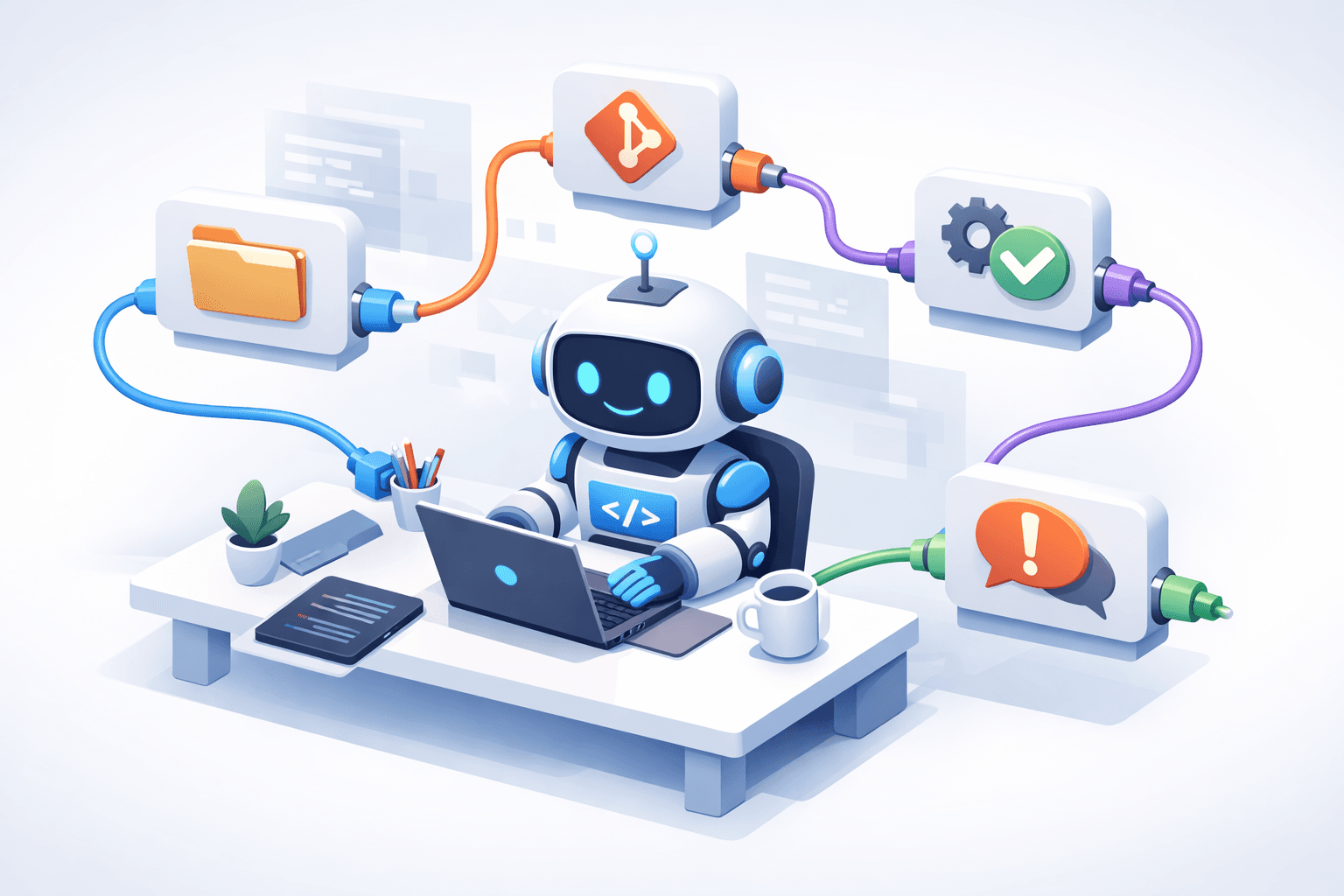
If you’ve tried “vibe-coding” (prompt → code appears) and hit the wall where the model almost completes the task but still needs constant nudging, you’re ready for the next step: agentic engineering.
Agentic engineering is less about “write me a function” and more about “achieve this outcome within constraints”—with a system that can plan, use tools, verify results, and iterate. The missing piece is usually tooling that’s standardized, composable, and secure.
That’s where MCP (Model Context Protocol) comes in: an open protocol for connecting LLM apps to external tools and data sources in a consistent way—often described as “USB-C for AI apps.” See the OpenAI Agents SDK MCP docs for a good overview: OpenAI Agents SDK: MCP.
In this guide, you’ll build a small but real autonomous dev bot that can:
- Understand a coding task (like a GitHub issue)
- Make a plan and keep state across steps
- Read/write project files via MCP tools
- Run tests safely (with guardrails)
- Produce a PR-ready patch + summary
You’ll also learn the patterns that make agentic systems reliable: permissions, approvals, tool filtering, and evaluation—the stuff that turns a demo into something you can actually trust.
TL;DR
- MCP standardizes how your agent connects to tools (files, git, issues, CI, etc.).
- Your bot becomes an orchestrator: plan → act (tools) → verify → iterate.
- Start read-only by default, add approvals for writes, and allowlist commands.
- Use MCP servers as “capability boundaries” so your agent can’t go off the rails.
- Don’t ship reference servers to production without hardening (many are intended as examples). See: modelcontextprotocol/servers.
The Problem
Modern LLMs can write code, but they struggle with the messy reality of software work:
- They don’t automatically know your repo conventions
- They can’t “just run tests” unless you give them a safe way to do it
- They often produce changes that are hard to verify without a loop
- They need consistent access to “context” (files, PRs, logs) across tools
So teams end up with a human in the middle doing the boring parts:
- Copy/paste file contents
- Ask the model for changes
- Paste changes back
- Run tests
- Repeat
That doesn’t scale—and it’s exactly the kind of workflow an agent can automate if you give it safe, standardized tools.
What “agentic engineering” means (practically)
Agentic systems aren’t magic. They’re a loop.
Rule of thumb: If a task can’t be verified, it can’t be autonomous (safely).
MCP in one picture
MCP draws a clean line between:
- Your agent host/client (the orchestrator that talks to the model)
- MCP servers (capabilities like filesystem, git, GitHub, CI logs, databases)
- Transports (how they talk:
stdio, HTTP, SSE, etc.)
┌────────────────────────────┐
│  Your Dev Bot (Host/Client)│
│  - planner + state         │
│  - calls MCP tools         │
└──────────────┬─────────────┘
               │ MCP messages
   ┌───────────┴───────────┐
   │        MCP Servers     │
   │  Files  Git  GitHub CI │
   └───────────┬───────────┘
               │ real-world actions
         ┌─────┴─────┐
         │ Your repo  │
         │ APIs, CI   │
         └────────────┘
Why this matters:
- You can swap tools without rewriting your agent.
- You can scope permissions per server (e.g., read-only filesystem).
- You can build a “capability catalog” that stays stable even when models change.
For the protocol details, see the official spec: MCP Specification (2025-11-25).
A quick “why now?” note
In late 2025, MCP moved toward neutral governance under the Linux Foundation’s Agentic AI Foundation (AAIF), with announcements from both Anthropic and OpenAI. That’s a strong signal MCP is becoming core infrastructure for agentic tools:
- Anthropic announcement: donating MCP + establishing AAIF
- Linux Foundation press release: AAIF formation
- OpenAI announcement: Agentic AI Foundation
The Solution
We’ll build:
- A local MCP server called
devtoolsthat exposes:
readFilewriteFile(guarded)runTests(allowlisted)
- A bot host that:
- connects to MCP servers
- asks the model to plan
- executes steps with tools
- verifies results
- outputs a PR-ready summary
Optional upgrade:
- Connect a GitHub MCP server (remote or local) to triage issues and open PRs.
Step 1: Setup
Create a new folder and install dependencies:
mkdir mcp-dev-bot && cd mcp-dev-bot
npm init -y
npm install zod
npm install @modelcontextprotocol/server @modelcontextprotocol/client
npm install -D typescript tsx @types/node
npx tsc --init
Suggested structure:
mcp-dev-bot/
  src/
    devtools-server.ts
    bot.ts
  repo/                 # a sample repo you let the bot work in
Tip: Keep your repo workspace separate (like ./repo) so the bot can’t accidentally edit your tooling project.Step 2: Implementation (Build a tiny MCP server)
This server runs locally and exposes tools—but safely.
Create src/devtools-server.ts:
import fs from "node:fs/promises";
import path from "node:path";
import { z } from "zod";
import { createServer } from "@modelcontextprotocol/server";

// ---- Configuration ----
const REPO_ROOT = path.resolve(process.env.REPO_ROOT ?? path.join(process.cwd(), "repo"));

// Only allow these commands (edit for your stack).
const ALLOWED_TEST_COMMANDS = new Set([
  "npm test",
  "pnpm test",
  "yarn test",
  "npm run lint",
  "pnpm lint",
]);

function safeResolve(relPath: string) {
  const resolved = path.resolve(REPO_ROOT, relPath);
  if (!resolved.startsWith(REPO_ROOT + path.sep) && resolved !== REPO_ROOT) {
    throw new Error("Path escapes repo root.");
  }
  return resolved;
}

// A super basic “approval” mechanism for demo purposes.
// In real systems: integrate a UI prompt, policy engine, or PR-based workflow.
async function requireApproval(reason: string) {
  if (process.env.AUTO_APPROVE_WRITES === "true") return;
  throw new Error(
    `Write blocked: ${reason}. Set AUTO_APPROVE_WRITES=true to allow writes for this demo.`
  );
}

async function runCommand(cmd: string) {
  const { exec } = await import("node:child_process");
  return await new Promise<{ stdout: string; stderr: string; code: number }>((resolve) => {
    exec(cmd, { cwd: REPO_ROOT }, (error, stdout, stderr) => {
      resolve({ stdout, stderr, code: (error as any)?.code ?? 0 });
    });
  });
}

// ---- MCP Server ----
const server = createServer({
  name: "devtools",
  version: "0.1.0",
});

// Tool: readFile
server.tool(
  "readFile",
  {
    description: "Read a UTF-8 file from the repo workspace.",
    inputSchema: z.object({
      filepath: z.string().describe("Path relative to repo root"),
    }),
  },
  async ({ filepath }) => {
    const full = safeResolve(filepath);
    const content = await fs.readFile(full, "utf8");
    return { content };
  }
);

// Tool: writeFile (guarded)
server.tool(
  "writeFile",
  {
    description: "Write a UTF-8 file in the repo workspace (guarded).",
    inputSchema: z.object({
      filepath: z.string().describe("Path relative to repo root"),
      content: z.string().describe("New file content"),
    }),
  },
  async ({ filepath, content }) => {
    await requireApproval(`writeFile(${filepath})`);
    const full = safeResolve(filepath);
    await fs.mkdir(path.dirname(full), { recursive: true });
    await fs.writeFile(full, content, "utf8");
    return { ok: true };
  }
);

// Tool: runTests (allowlisted)
server.tool(
  "runTests",
  {
    description: "Run tests/lint in the repo workspace using an allowlisted command.",
    inputSchema: z.object({
      command: z.string().describe("One of the allowlisted test/lint commands"),
    }),
  },
  async ({ command }) => {
    if (!ALLOWED_TEST_COMMANDS.has(command)) {
      throw new Error(`Command not allowlisted: ${command}`);
    }
    const result = await runCommand(command);
    return result;
  }
);

// Start over stdio (simple local transport)
server.listenStdio();
console.log(`devtools MCP server running. REPO_ROOT=${REPO_ROOT}`);
Why these guardrails matter
safeResolveblocks path traversal (../escapes).writeFileis gated by an explicit approval switch.runTestscan’t execute arbitrary shell commands.
This is the heart of agent safety: turn the real world into small, audited capabilities.
Don’t expose a raw “shell” tool unless you really know what you’re doing. Allowlists beat regrets.
Step 3: Implementation (Write the bot host)
Now you connect to your MCP server and build the agent loop “host” side.
Create src/bot.ts:
import { spawn } from "node:child_process";
import { Client } from "@modelcontextprotocol/client";
import { StdioClientTransport } from "@modelcontextprotocol/client/stdio";

// This is the “brain” placeholder.
// Replace with your model provider of choice.
async function callModel(prompt: string): Promise<string> {
  // Tutorial stub. Swap with a real LLM call in production.
  return `
PLAN:
1) Read README.md and locate project conventions
2) Identify files to modify for the task
3) Implement change
4) Run tests
5) Summarize changes and provide PR description
`;
}

type ToolCall =
  | { tool: "readFile"; input: { filepath: string } }
  | { tool: "writeFile"; input: { filepath: string; content: string } }
  | { tool: "runTests"; input: { command: string } };

async function main() {
  // Launch the MCP server as a subprocess
  const proc = spawn("npx", ["tsx", "src/devtools-server.ts"], {
    stdio: ["pipe", "pipe", "inherit"],
    env: { ...process.env },
  });

  const transport = new StdioClientTransport(proc.stdin!, proc.stdout!);
  const client = new Client({ name: "dev-bot", version: "0.1.0" }, { transport });

  await client.connect();

  const tools = await client.listTools();
  console.log("Available tools:", tools.tools.map((t) => t.name));

  // Example task input (replace with a GitHub issue or a plain-English request)
  const task = process.argv.slice(2).join(" ") || "Add a simple healthcheck endpoint.";

  const systemPrompt = `
You are an autonomous dev bot working inside a repo.
You MUST:
- prefer reading existing files before writing
- keep changes minimal
- run tests via runTests before concluding
- never attempt non-allowlisted commands
Return tool calls as JSON lines, one per step, in this format:
{"tool":"readFile","input":{"filepath":"README.md"}}
When done, output:
{"done": true, "summary": "...", "filesChanged": ["..."], "testCommand": "...", "testResult": "..."}
`;

  // Ask the model to produce a plan (or tool calls)
  const modelText = await callModel(`${systemPrompt}\nTASK:\n${task}`);
  console.log("Model:", modelText);

  // For demo: scripted tool calls (replace with parsed tool calls from your model)
  const scriptedCalls: ToolCall[] = [
    { tool: "readFile", input: { filepath: "README.md" } },
    // { tool: "writeFile", input: { filepath: "src/health.ts", content: "..." } },
    { tool: "runTests", input: { command: "npm test" } },
  ];

  for (const call of scriptedCalls) {
    console.log("Calling tool:", call.tool, call.input);
    const res = await client.callTool(call.tool, call.input);
    console.log("Result:", res);
  }

  console.log("\nNext: replace callModel() + scriptedCalls with a real planner/executor loop.");
  await client.close();
  proc.kill();
}

main().catch((err) => {
  console.error(err);
  process.exit(1);
});
Run it:
# Put a sample project in ./repo first (or point REPO_ROOT somewhere else)
REPO_ROOT=./repo npx tsx src/bot.ts "Fix failing unit tests in the auth module"Make it actually autonomous
Right now the “brain” is stubbed. The real win is when the model emits tool calls and your host enforces policies.
The minimal loop that works
A surprisingly effective architecture:
- Ask the model for a plan (short!)
- Ask it for the next tool call (structured JSON only)
- Execute the tool call
- Feed results back to the model
- Repeat until tests pass or you hit limits
Keep explicit state
type BotState = {
  task: string;
  plan: string[];
  notes: string[];
  filesTouched: Set<string>;
  lastTest?: { command: string; stdout: string; stderr: string; code: number };
};Stop conditions (the anti-infinite-loop kit)
Add these guardrails before you let your bot write real code:
- Max steps (e.g., 15)
- Max tool errors (e.g., 3)
- If the model requests a disallowed command, stop and require human input
- Timeouts for test runs
This “boring” scaffolding is what turns “agentic hype” into dependable automation.
Safety first: your threat model (non-negotiable)
Autonomous dev bots touch code, credentials, and sometimes production systems. Define what “safe” means before the first tool call.
Guardrails you should implement
- Workspace sandboxing: only operate inside a repo root you choose
- Path validation: prevent
../traversal and symlink escapes - Write approvals: require explicit approval before file writes
- Command allowlists: only run known-safe commands (like
pnpm test) - Step/time limits: stop after N actions and summarize
If you want a practical overview of a hosted GitHub MCP workflow (including OAuth setup), see GitHub’s guide:If you want a practical overview of a hosted GitHub MCP workflow (including OAuth setup), see GitHub’s guide:
GitHub blog: practical guide to the GitHub MCP server
Plug into the MCP ecosystem (optional but powerful)
Your devtools server is custom. MCP gets really interesting when you connect to existing servers:
- filesystem
- git
- GitHub (issues/PR automation)
- CI logs
- security scanning
The official servers repo includes many implementations and examples:The official servers repo includes many implementations and examples:
modelcontextprotocol/servers
Use a filesystem server (example)
One example (third-party) is a Docker-based filesystem MCP server. Configuration patterns often look like:
{
  "mcpServers": {
    "filesystem": {
      "command": "docker",
      "args": [
        "run",
        "-i",
        "--rm",
        "--volume=/your/repo:/repo",
        "ghcr.io/mark3labs/mcp-filesystem-server:latest",
        "/repo"
      ]
    }
  }
}
Example project: mark3labs/mcp-filesystem-server
Connect GitHub via MCP (remote endpoint)
GitHub has described a remote server approach that avoids local Docker/token management and uses OAuth:
- Hosted endpoint:
https://api.githubcopilot.com/mcp/ - Setup docs: GitHub Docs: Set up the GitHub MCP server
The “autonomous dev bot” recipe that works in real repos
This sequence keeps the bot focused and verifiable:
- Read context
- Create a plan
- Minimize scope
- Implement
- Verify
- Report
PR description template (copy/paste)
## Testing
- [ ] npm test
- [ ] pnpm test
- [ ] npm run lint
Callouts you should keep
Policy idea: Start your bot in “read-only mode” for a week. Only enable writeFile after you’ve reviewed enough transcripts to trust it.Engineering reality: Tool design matters more than the model. A stronger model can still do unsafe things if your tools are too permissive.
Common gotchas (and fixes)
“My bot keeps calling tools without reading anything”
Fix: enforce a host policy.
- If the first action isn’t a read/search tool, reject the step and ask the model to retry.
“It tries to run random commands”
Fix: allowlist. Always.
“It edits huge files for tiny changes”
Fix: add patch-based editing tools instead of full overwrites.
“It gets stuck in loops”
Fix: step limits + progress checks (“did the last step move us closer to passing tests?”).
FAQ
What is MCP, in one sentence?
MCP is an open protocol that standardizes how LLM applications connect to tools and external context so agents can work across systems consistently. See the spec: modelcontextprotocol.io/specification.
Is MCP only for one vendor?
No. MCP is designed as an open protocol, and multiple platforms and SDKs document or implement it. Example: OpenAI Agents SDK MCP docs.
Should I ship “reference” MCP servers to production?
Treat reference servers as starting points. Read the repo notes, harden your threat model, and limit capabilities: modelcontextprotocol/servers.
What’s the best first “real” use case?
Pick something bounded and verifiable:
- Fix failing tests (clear pass/fail)
- Add lint/type checks (verifiable output)
- Update dependency + run tests
Avoid “refactor the whole codebase” until you have strong guardrails.
Key Takeaways
- MCP gives you a standard way to connect agents to tools without bespoke glue for every integration.
- Autonomous dev bots work best when every step is verifiable (tests, lint, assertions).
- Safety is an engineering problem: scope tools, require approvals, and allowlist commands.
- Start small: one repo, one class of tasks, clear success criteria.
Conclusion
Agentic engineering isn’t about making a model “smarter.” It’s about building a loop that can act, verify, and self-correct—with guardrails that prevent expensive mistakes.
Start with a tiny MCP server (like devtools), keep permissions tight, and expand capability-by-capability. Once your bot can reliably read code, make minimal changes, and prove success by running tests, you’ll have something rare in AI: an autonomous system you can actually trust.